
Appearance
A/B testing with Google Optimize: Steps to follow
Note: This document may be outdated. Please review and remove this note if confirmed current.
- Figure out what to test
- Determine the sample size for the A/B test
- Create a variant based on Optimize’s Visual Editor
- Start the experiment
- Stop the experiment when the sample size is reached
Further details on each step can be found below.
1. Figure out what to test
You can find an Excel sheet of the A/B test designs here: Design / 65 - AB Tests / AB tests.xlsx
Each A/B test should contain the following:
- The page / element you want to test
- A hypothesis (e.g., "If we change the button to a striking orange, we will see a jump in conversion rate")
- A proposed design for that page / element
- Test metric (e.g., clickthrough rate, signup conversion rate, revenue, etc.)
2. Determine the sample size for the A/B test
Brief introduction: To conduct a sound A/B test, we should only stop the test when we have reached a sufficiently large sample size (i.e., when a sufficiently large amount of people have seen our test pages). We should not stop experiments the moment a statistically significant result is found, because early on in the experiment, we may see false positives that are statistically significant.
To determine the sample size for the test, we can use this calculator: https://www.optimizely.com/sample-size-calculator/
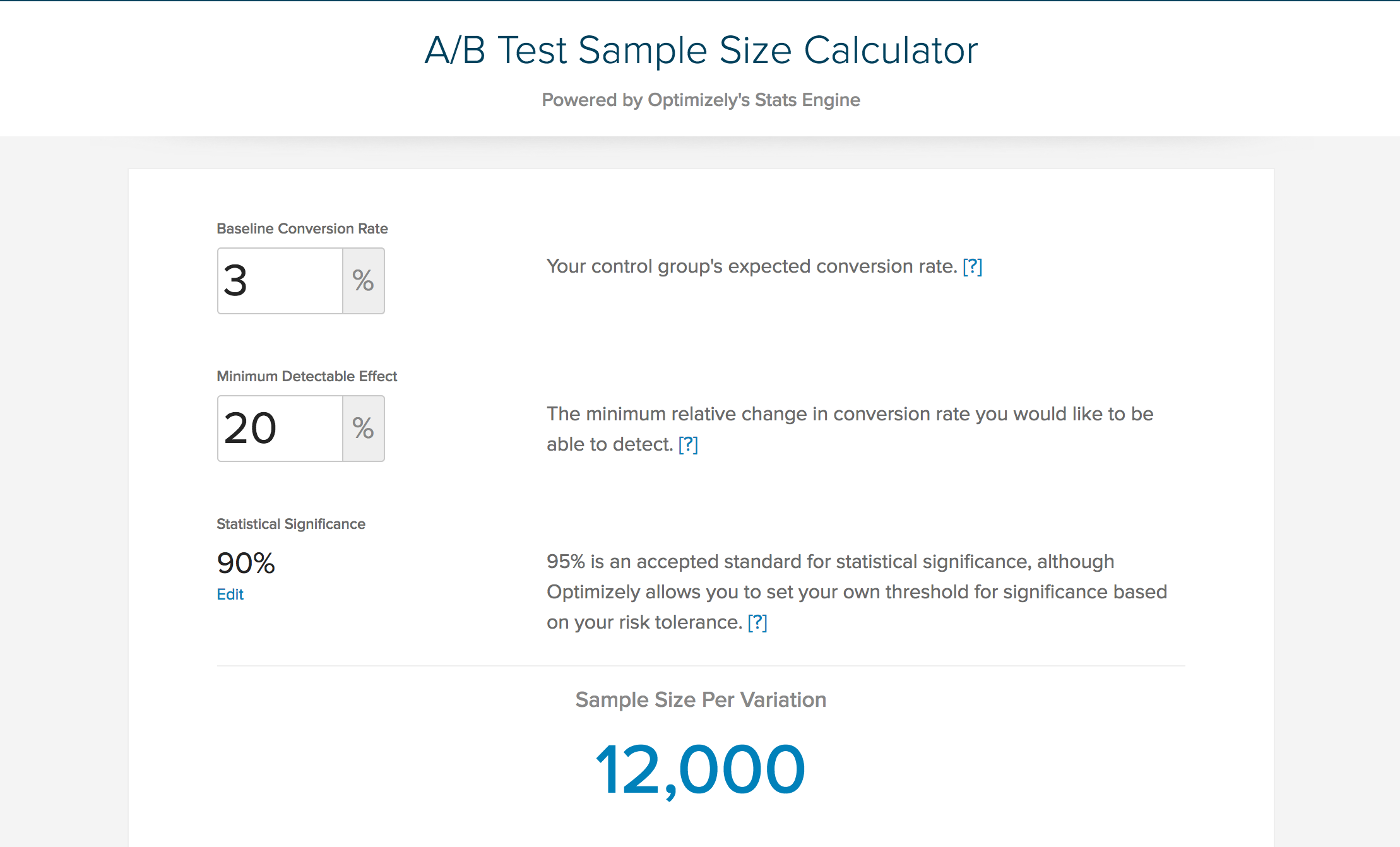
There are a few variables to fill to calculate the sample size:
- baseline conversion rate
- minimum detectable effect
- statistical significance (we can leave it at 90%)
The baseline conversion rate is the current conversion rate of the page you are testing. For instance, the /join flow currently has a baseline conversion rate of 0.23%.
The minimum detectable effect is the % change you want the A/B test to be able to statistically significantly detect. For instance, a MDE of 30% for a baseline conversion rate of 0.23% means the test will be able to detect only if the conversion rate increases to 0.299% and up, or 0.161% and below. (0.299% = 0.23 + 0.23*.30; 0.161% = 0.23 - 0.23*.30)
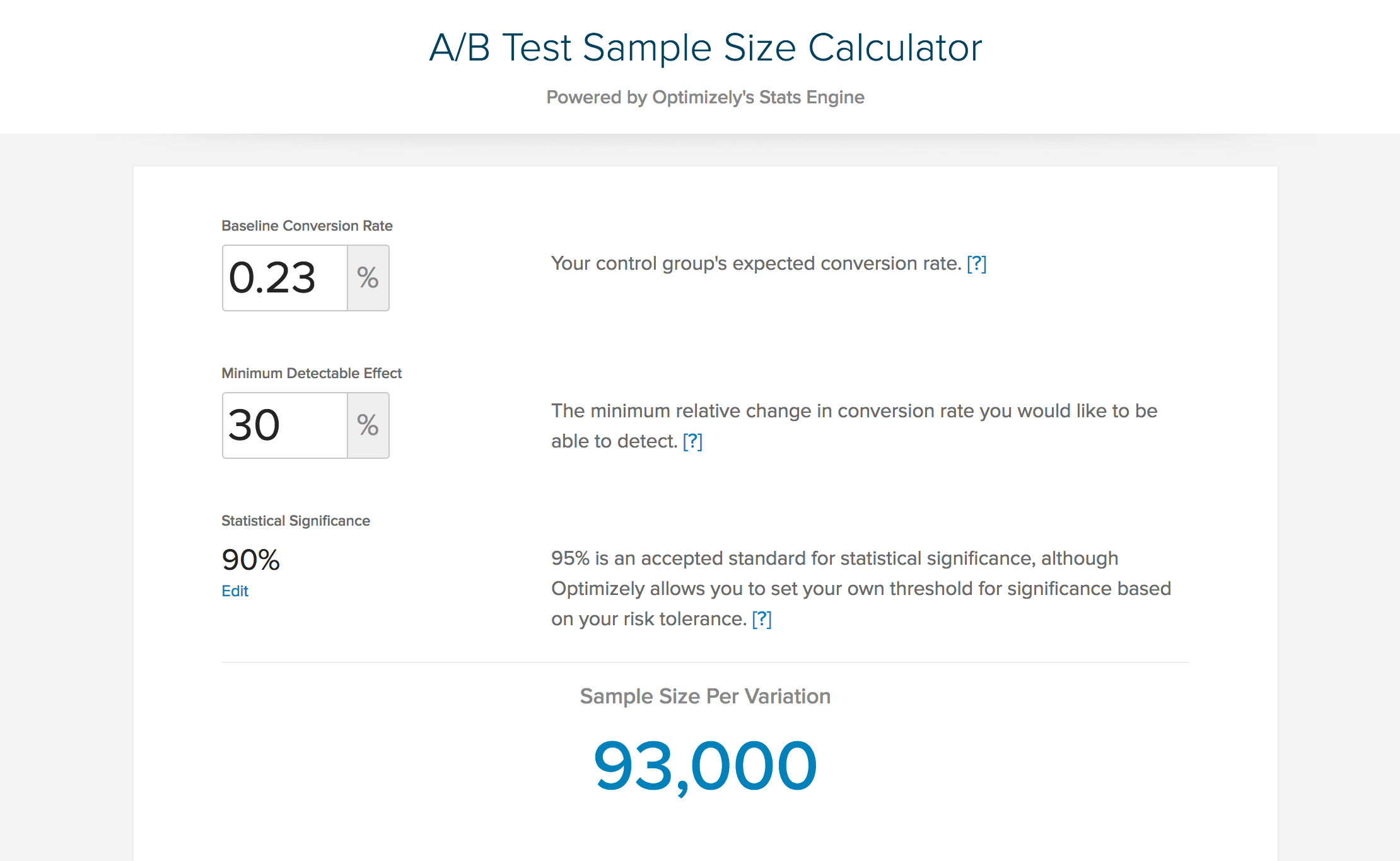
Filling in 0.23% for baseline conversion rate and 30% for MDE, we will see that the required sample size is 93,000. This means we can safely stop the A/B test once each variant is seen by 93,000 people. We can adjust the MDE we are comfortable with to derive at a sample size that will not take too long to reach.
3. Create a variant based on Optimize’s Visual Editor
Google Optimize has its own Visual Editor, which enables any person to apply changes to the page they want to A/B test. You can learn more about the Visual Editor here: https://support.google.com/360suite/optimize/answer/6211957
After a variant’s design has been changed, hit "Save" and you’re ready for the next step.
4. Start the experiment
Once the variant(s) are all ready, you can start the experiment. Google Optimize gives you the option to only subject a certain portion of your users to the A/B tests. This will lengthen the A/B test duration, but might prevent critical pages from being disrupted.
5. Stop the experiment when the sample size is reached
Remember to stop the experiment only when the sample size for each variant is reached!
Once the experiment is stopped, you can view the report in Google Optimize. It will indicate if the variant(s) had any meaningful impact on the conversion rate.
Limits of A/B testing
As much as A/B testing tries to follow the scientific method and statistical mathematics, it should not be treated as a scientific experiment. Confounding factors can never be eliminated, and therefore there will always be uncertainty.
This doesn’t mean that A/B tests should not be conducted, however. It means that we have to follow up on the A/B tests. For example, if an A/B test tells us that a variant has increased conversion rates and we decide to implement the changes, we should continue monitoring the conversion rates of that page. If all goes well, the conversion rate would increase and remain higher than previous levels. However, if the conversion rate starts to drop to pre-test levels, we might then consider reversing the changes.