
Appearance
Tips on working with MJML
MJML is an email framework that allows to create responsive templates. We use it to generate most of our HTML emails.
How it works
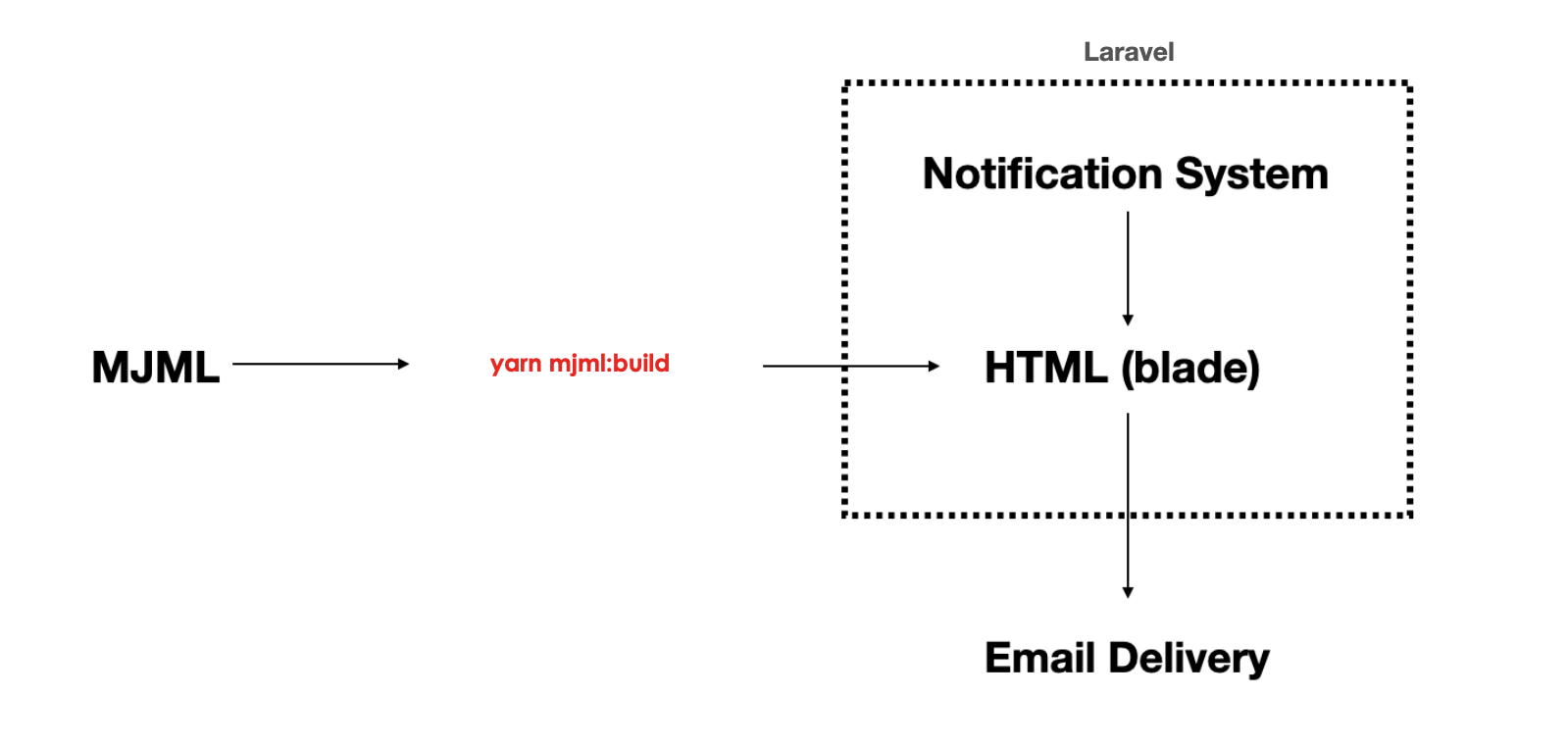
Where MJML templates are located
All MJML templates files stored in resources/views/notifications/email, while building blocks for them are stored at the resources/mjml directory:
text
resources/mjml
├── components (custom MJML components)
├── partials   (Reusable pieces used to construct templates)
└── styles     (CSS styles used in templates)
Writing MJML templates
Typical layout for notification templates:
html
<mjml>
    <mj-head>
        <mj-include path="../../../mjml/partials/attributes.mjml" />
    </mj-head>
    <mj-body>
        <mj-include path="../../../mjml/partials/header.mjml" />

        <mj-section>
            <mj-column>
                <!-- Insert your content here -->
            </mj-column>
        </mj-section>

        <mj-include path="../../../mjml/partials/signature.mjml" />
    </mj-body>
</mjml>
Check list of built-in MJML body components and try to use them when it makes sense.
There are multiple options for email footer. Just set different partial source path to make a change.
MJML components is another topic. To learn more about them take a took at source code from https://github.com/mjmlio/mjml-component-boilerplate. When you created a new MJML component just put it into resources/mjml/components. Now you can use it in MJML templates.
How to generate email templates
To regenerate ALL emails using the MJML CLI use command below:
sh
npm run mjml:buildThis command creates HTML representation of *.mjml files into appropriate directory from resources/views/notifications/email.
Automated conversion to HTML in CI/CD workflow
Converting MJML files to HTML is a part of the deployment process, and it's fully automated.
Helper tool to send notifications
To manually send notifications without any conditions, open /admin/notifications/send-test-notifications URL.
In "Notification type" select pick notification you're working with. Notice new sections "Constructor" and "Recipient" on the right side after making a choice on notification type. You should find appropriate IDs in database to fill all inputs from "Constructor" and "Recipient". Label above those inputs contain entity type.
After that enter "Email address" and click on "Send test notification". If there is no error you'll receive new notification on your email address.